
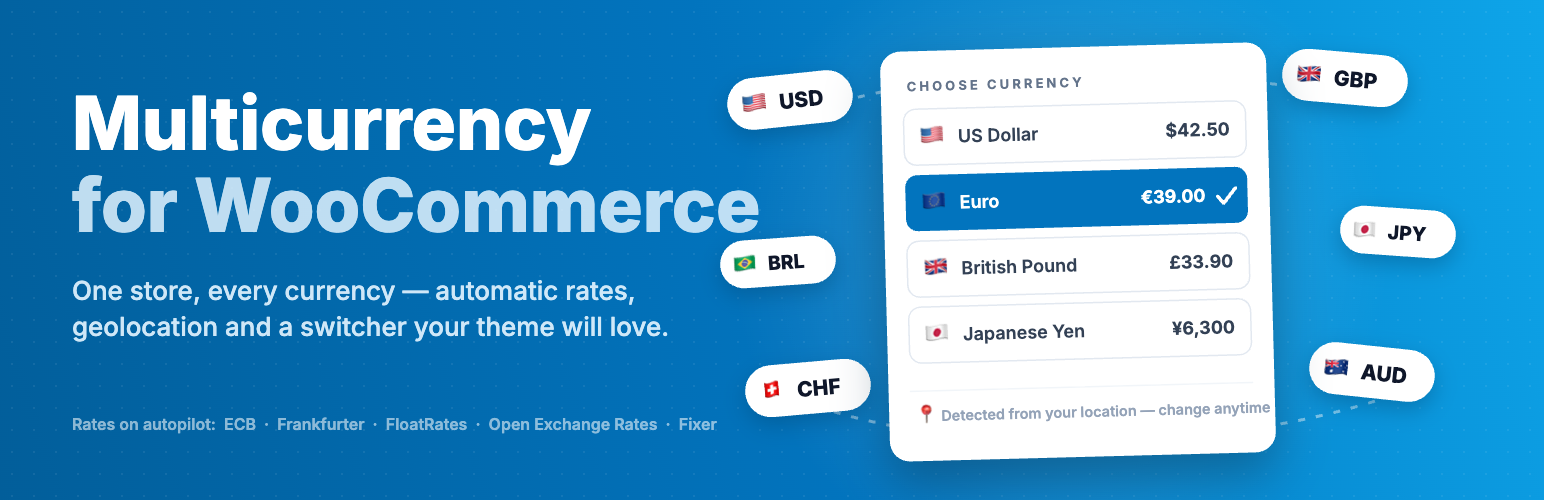
U2Code Multicurrency lets your WooCommerce store display prices and accept payments in any number of currencies — with automatic exchange rates, geolocation detection and full control over how every price looks. Install it, add your currencies, and your storefront speaks your customers’ money.
Everything you need to sell globally
Automatic exchange rates
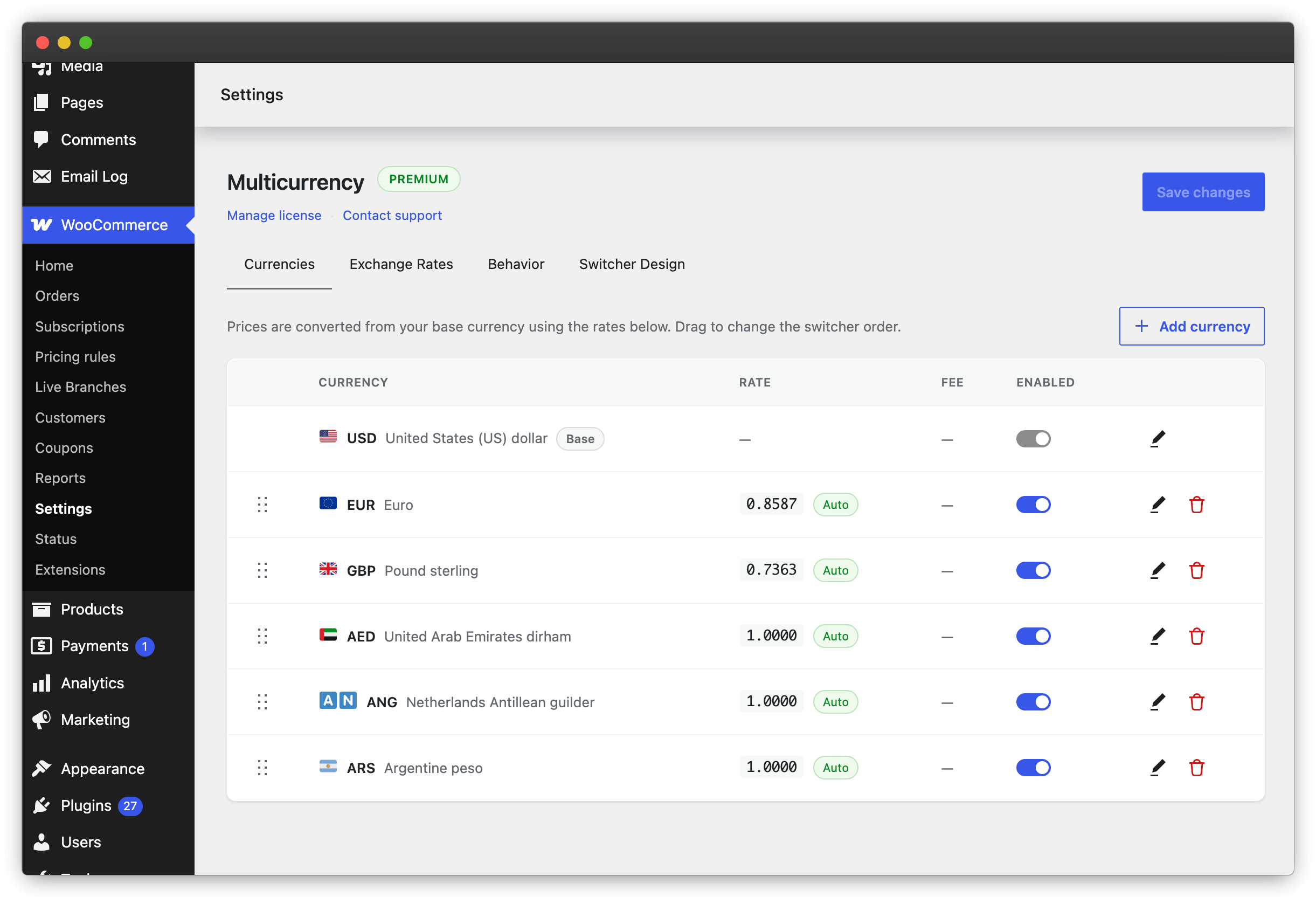
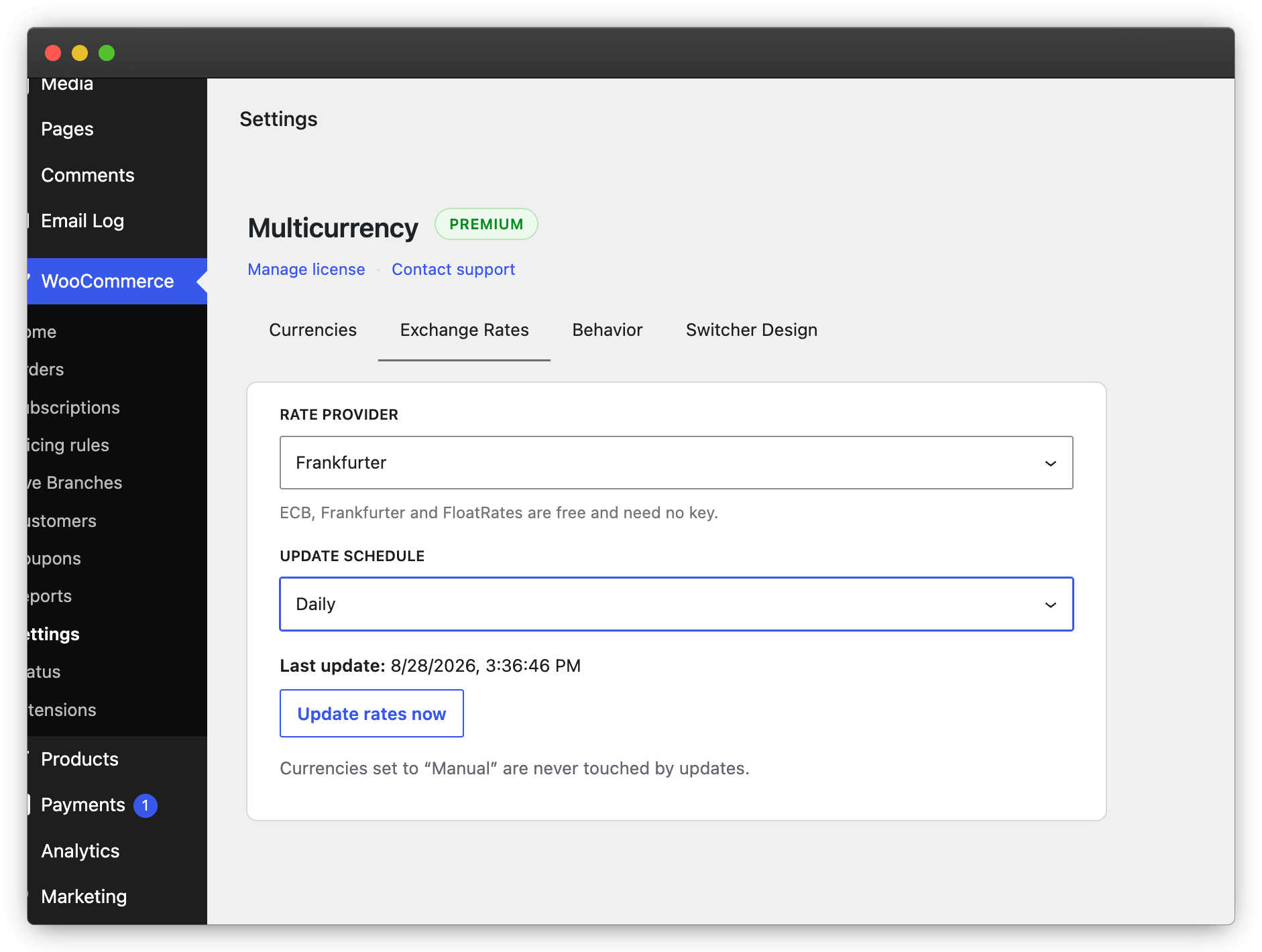
ECB, Frankfurter, FloatRates — free, no key — or Open Exchange Rates and Fixer. Hourly to weekly schedules, an “Update now” button, and manual overrides that automatic updates never touch.
Geolocation detection
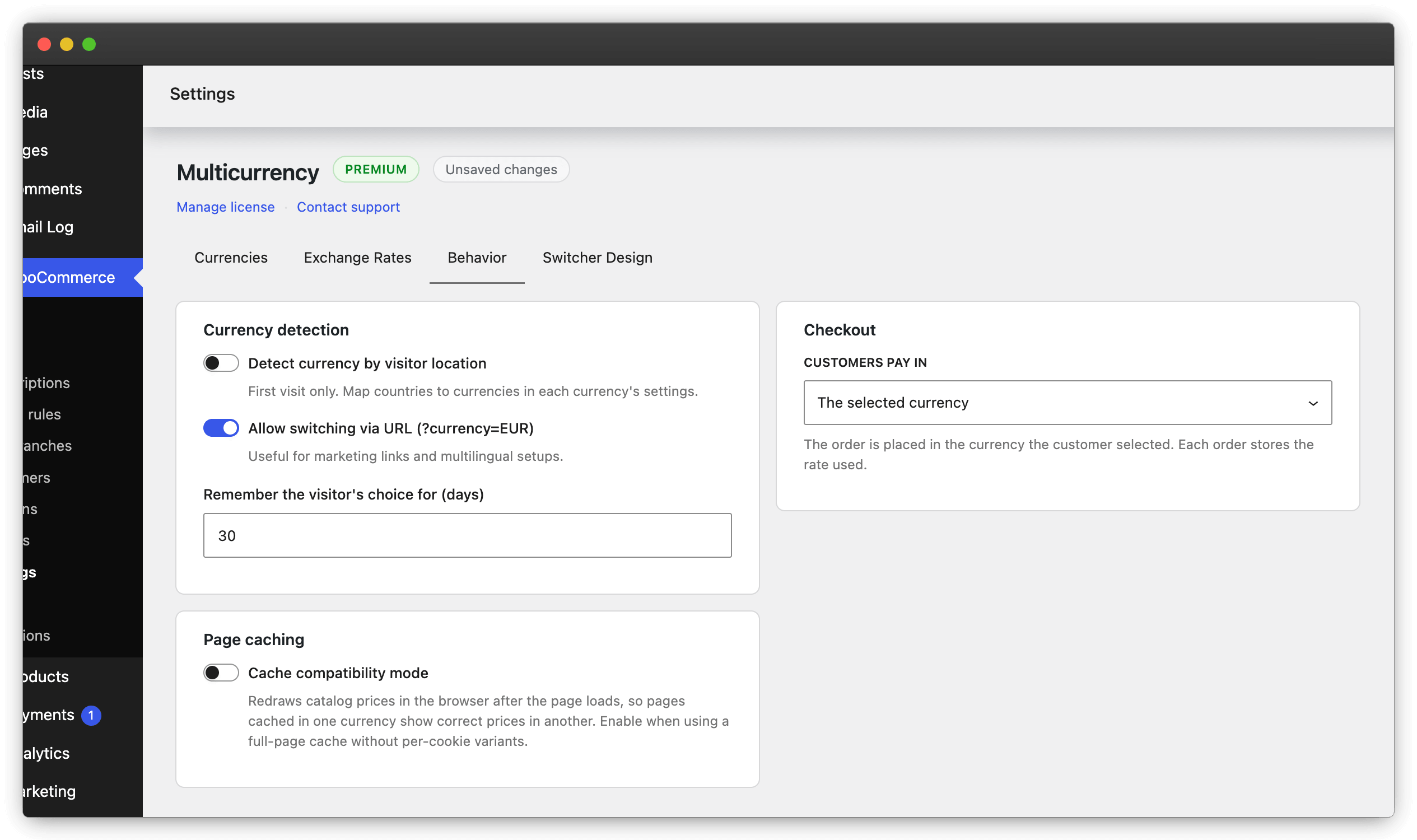
Map countries to currencies and first-time visitors see local prices automatically. Crawlers always get the base currency, so your SEO stays consistent.
A switcher that fits anywhere
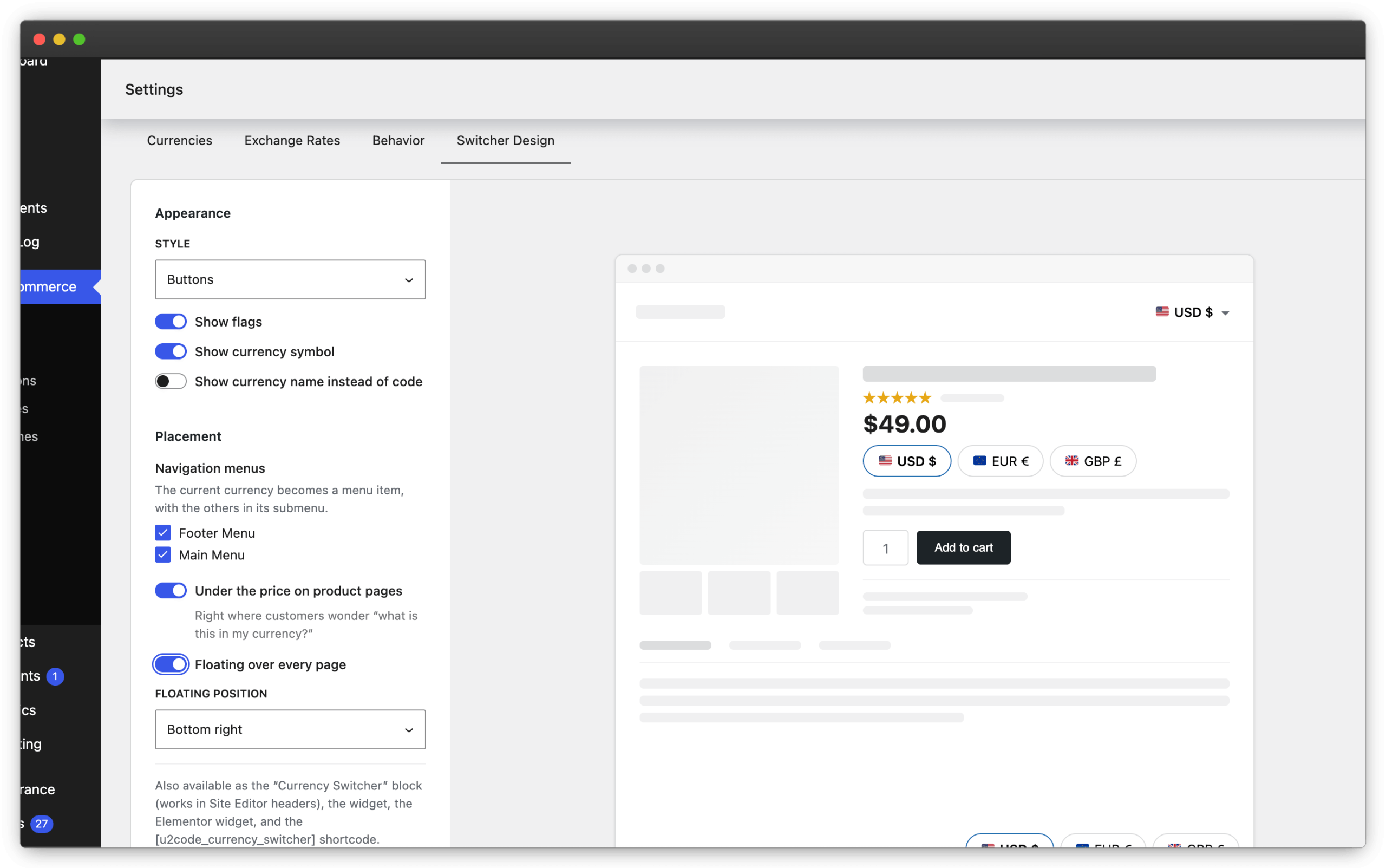
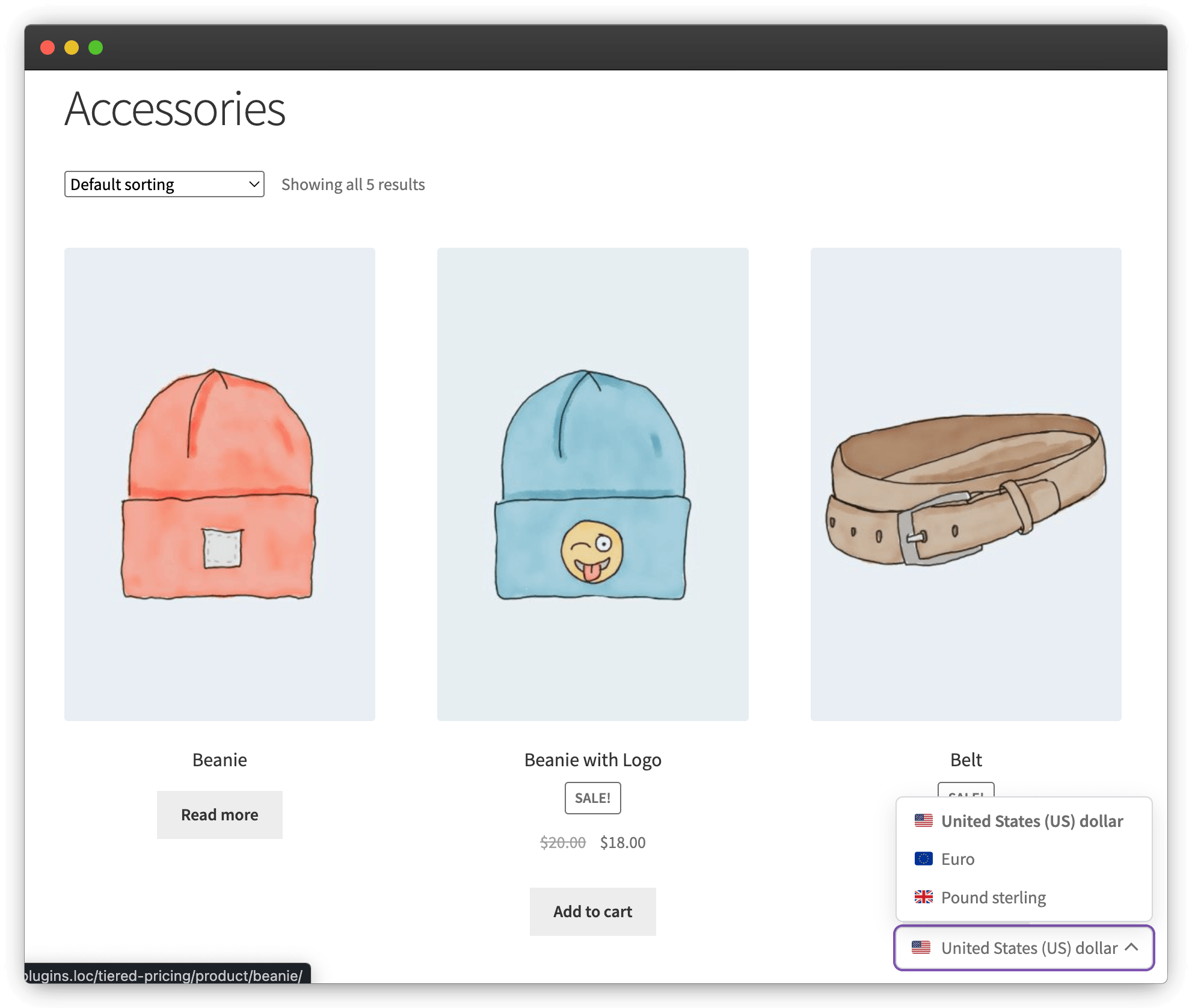
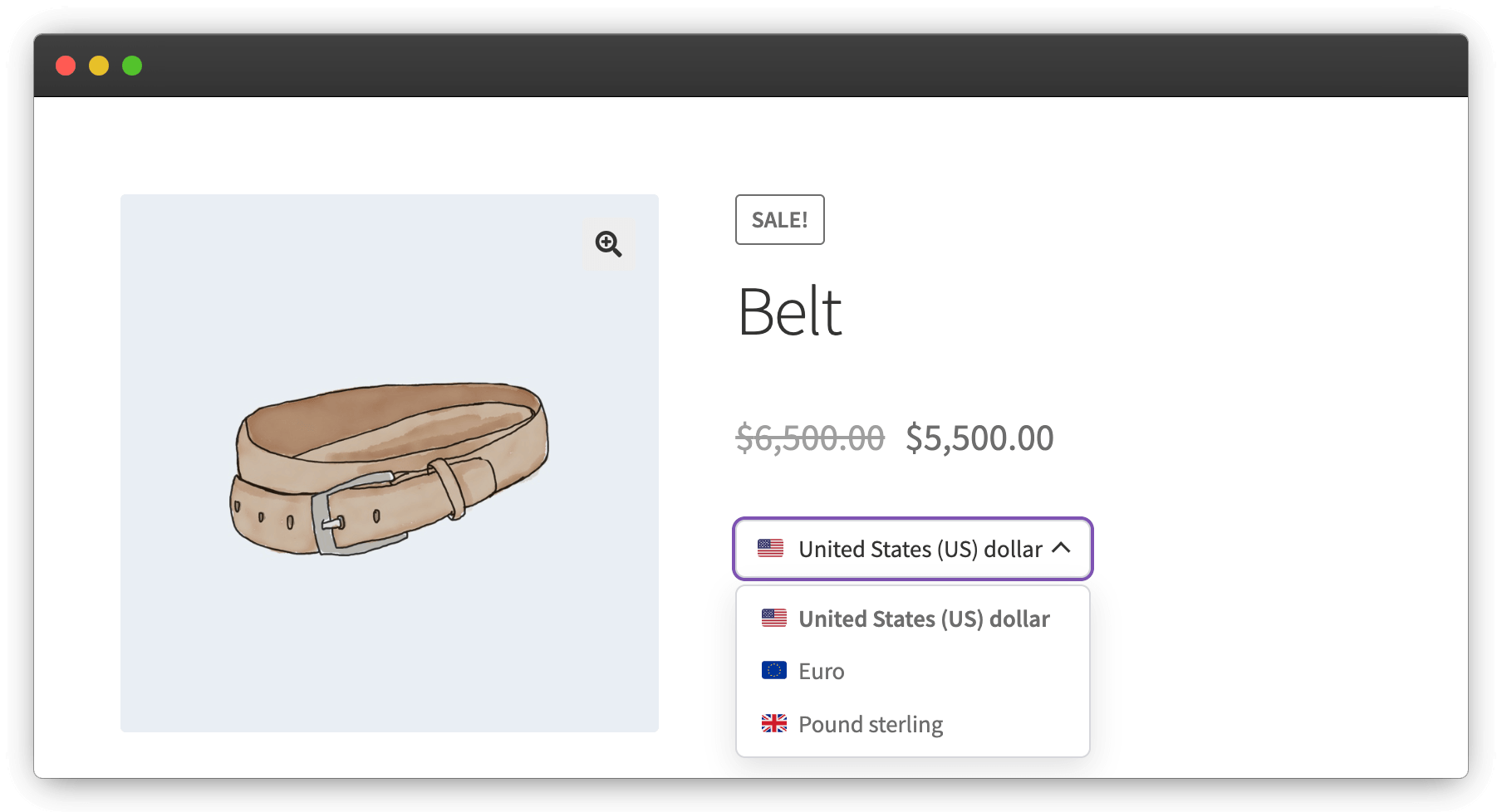
Gutenberg block, shortcode, classic widget, floating panel, navigation menu items, under the product price and an Elementor widget — five styles, flag emojis included.
Per-currency price rules
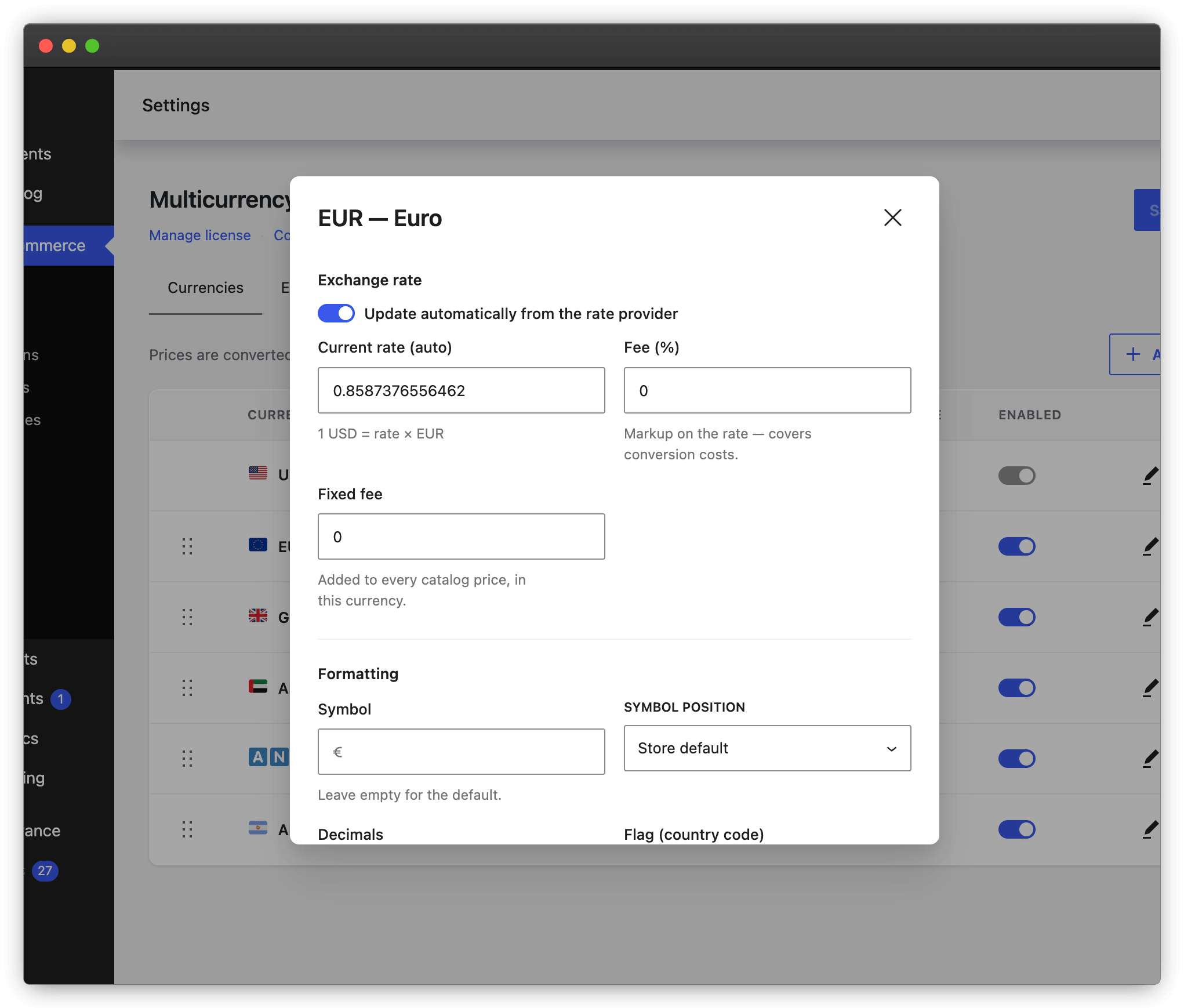
Percentage or fixed fee per currency, rounding to any step and charm endings like 19.99 — with a live preview. Symbols, positions, decimals and separators per currency; zero-decimal currencies like JPY handled correctly.
Real multi-currency checkout
Customers pay in the currency they chose — or use display-only mode and always settle in your base currency. Shipping costs, fixed-amount coupons and free-shipping thresholds convert too.
Orders & analytics that add up
Every order stores its currency, the exchange rate at purchase time and the base-currency total. WooCommerce Analytics reads one coherent currency — reports never mix.
Cache friendly
WP Rocket cookie registration is built in, and cache compatibility mode re-draws prices in the browser on any full-page cache — cached pages, correct currency.
Safe by default
HPOS and Cart & Checkout Blocks compatible, Store API aware. If a rate is ever missing or broken, prices fall back to the base currency — never to zero.
See it in action
Premium features
The premium license adds fine-grained monetary control on top of the automatic conversion engine.
Premium
Fixed prices per product
Give any simple product or variation an exact price in each currency — $49 / €45 / £39, no ugly conversion artifacts. Fixed prices replace the calculated conversion and are kept even if you switch back to automatic.
Premium
Payment gateways per currency
Decide which payment methods appear for each currency — local gateways for the local currency only, cards everywhere else. Checkout stays clean and conversion-friendly.
Simple pricing
Single Site
1 site · all premium features
1 year of updates & support
1 site · all premium features
lifetime updates & support
3 Sites
3 sites · all premium features
1 year of updates & support
3 sites · all premium features
lifetime updates & support
10 Sites
10 sites · all premium features
1 year of updates & support
10 sites · all premium features
lifetime updates & support
Annual licenses renew yearly — cancel anytime. Lifetime licenses get updates & support forever.
Every purchase is covered by a 7-day 100% money-back guarantee. Secure checkout by Freemius.
Plays well with your stack
Multicurrency ships with dedicated integrations for Tiered Pricing Table, Product Addons, Elementor and WP Rocket — each one can be toggled off — plus extensive hooks for developers.
Frequently asked questions
Where do I configure it?
WooCommerce → Settings → Multicurrency. Add currencies, pick a rate provider, choose the checkout behavior and the switcher design — everything lives on one settings screen.
Do exchange rates update automatically?
Yes — pick a provider and a schedule on the Exchange Rates tab, from hourly to weekly, or update manually with one click. Currencies set to “Manual” keep their rate forever.
Can I set exact prices per currency for one product?
With Premium, yes. Each product — and each variation — gets fixed-price fields per currency. A fixed price replaces the calculated conversion, and the values are kept even if you switch back to automatic conversion.
Does it work with a page cache?
Yes. With WP Rocket the currency cookie is registered automatically. For other full-page caches, enable “Cache compatibility mode” — prices are then refreshed in the browser after the cached page loads.
Which currency do WooCommerce reports use?
Orders keep the currency the customer paid in, and also store the exchange rate and the base-currency total. WooCommerce Analytics receives amounts converted to your base currency, so revenue reports stay coherent.
What happens if a rate provider is down?
Nothing breaks. If a rate is ever missing or broken, prices fall back to the base currency — never to zero. The last known good rates keep working until the provider responds again.
Can I get a refund?
Yes — every purchase is covered by a 7-day 100% money-back guarantee, handled by Freemius, our merchant of record.